About
On the About page in wRTOS Settings, you can view information on currently installed and previous wRTOS products, check for product updates, and view third-party and open-source attribution and copyright information.
In this section:
 Accessing the About Page
Checking for Updates
You can check to see if updates are available for the wRTOS products installed on the machine. To do this, click Check for updates. This opens the IntervalZero Customer Center log in screen. Enter your credentials and click Login.
Version Information
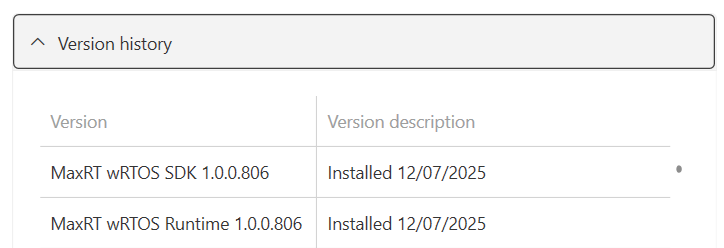
The About page displays the name, version number,
You can view information on installed and previously installed wRTOS products in the Version history drop-down.
Third-party Attribution
Click the Third-party and open-source attribution link to open this topic, which contains a list of third-party or open-source software included wholly or partly within the MaxRT wRTOS® product.
RELATED Topics:
