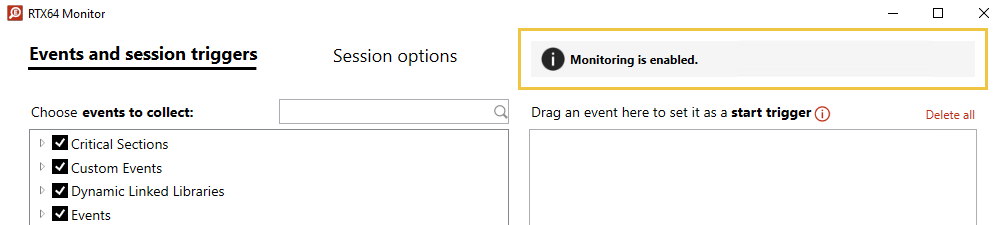
There are five possible states, listed below. Some wRTOS Monitor settings will either be active or grayed-out depending on the current state.
| Status | Icon | Description | In this state, you can... |
|---|---|---|---|
|
Not enabled |

|
Monitoring is not enabled.
|
Events and session triggers:
Note: Starting a session while in this state may cause non-determinism. To avoid this, enable monitoring and restart the wRTOS Subsystem through wRTOS Settings before starting a session. Session options:
|
|
Enabled |

|
Monitoring is enabled, the Subsystem is running, and there is no active session. |
Events and session triggers:
Session options:
|
|
Running |
|
There is an active monitoring session in progress. |
Events and session triggers:
Note: Start triggers cannot be added, set, or deleted while a session is running.
Session options:
|
|
Paused |
|
The current monitoring session is paused. |
Events and session triggers:
Note: Session triggers have no effect while monitoring is paused.
Session options:
|
|
wRTOS Subsystem is stopped |

|
The Subsystem is stopped. You must start the Subsystem through wRTOS Settings before you can start a monitoring session. |
Events and session triggers:
Session options:
|
Other Topics in this section:
- Using wRTOS Monitor
- Starting, Pausing, and Stopping a Monitor Session
- Customizing Event Collection
- Managing Session Triggers
- Session Options
Related Topics:
